Posts
-
Managing HWRT in Instance-Heavy Scenes
Opening Notes
For context it’s important to know that we’re building a dense open-world forest. By using our own Nanite assemblies created with Blender Geometry Nodes and then spawning those at scale in an open world using PCG. Trees, branches, foliage, etc, are heavily instanced, so at any given time the scene contains a very large number of visible instances. Since the start of the project we’ve used virtual shadows and software ray tracing lumen as our lighting solution.
Later when we began evaluating hardware ray tracing as an option, we saw that some costs went way up! What first seemed like a simple quality upgrade turned into a deeper investigation into culling, acceleration structure management, and GPU pressure.
When we started to investigate these costs in Unreal Insights, one thing really stood out;
MapOcclusionResults. It could spike to +40 ms on occasions!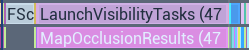
This post covers how we approached getting ray tracing performace back under control in an instance-heavy environment.
-
Optimizing Mannequin
Opening Notes
This post is for the people who squeezed every last millisecond with me on Vampire: The Masquerade - Justice and on Mannequin. Special thanks to engineering for turning a dead end into the Snow Occlusion plugin.
Indirect Light Memory Bloat
When I joined the company and landed on Vampire: The Masquerade - Justice, I was surprised to learn that baking the lighting for a single level took most of a day. This was before we switched to GPU bakes, but even for CPU Lightmass it felt painfully slow.
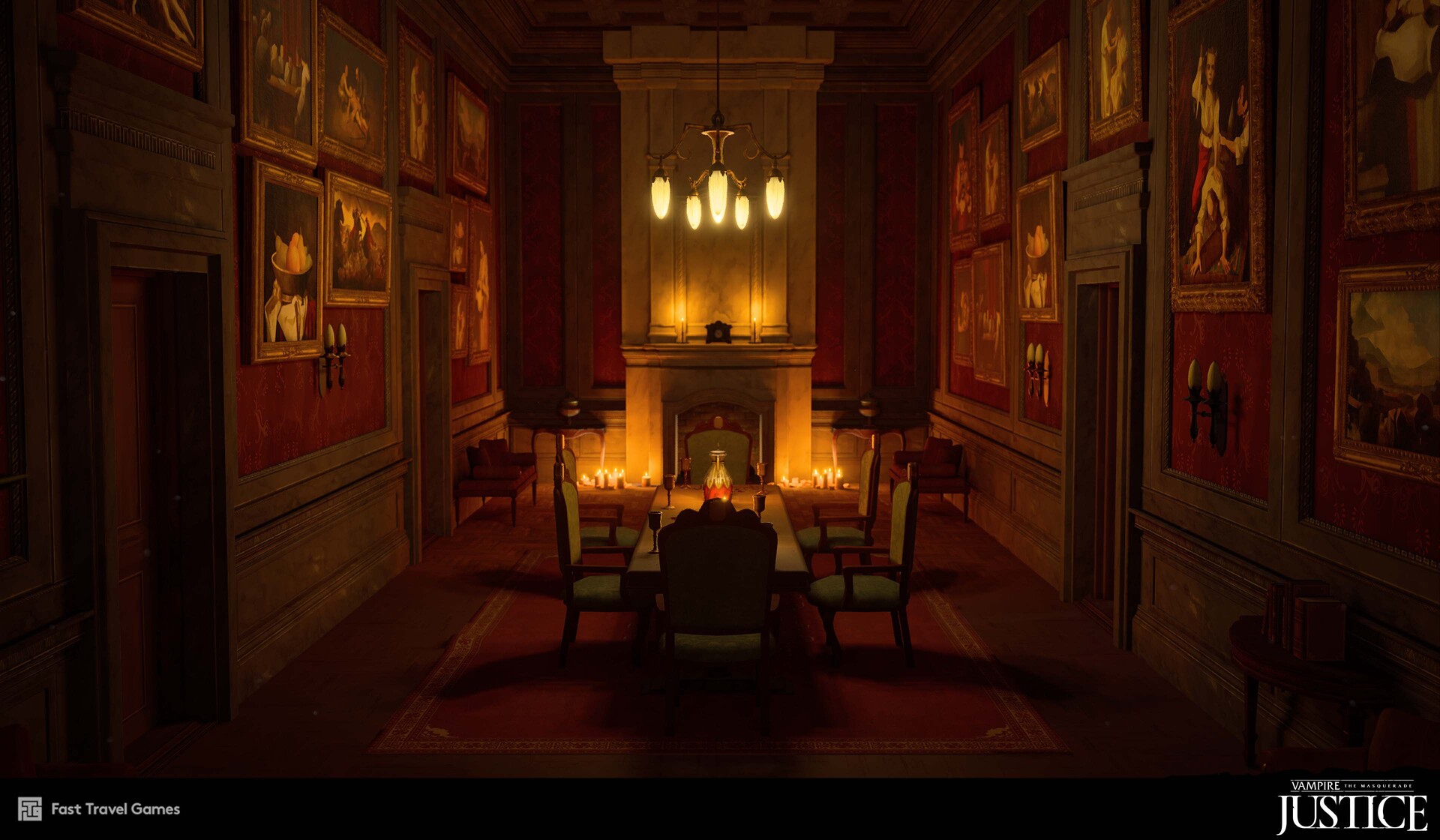
Image from Johanna Petterson.When investigating the reason for this, I noticed that MapBuildData stood out. It was huge, eating disk space and VRAM.
-
Lighting Mannequin
Opening Notes
This article is dedicated to the people who made Mannequin possible. Such an amazing team that was never afraid of testing new ways of doing things. Without that mindset we would not have created the Lumen to GPU bake lighting workflow, or any of the other ideas and solutions you’ll see here.
Lighting Goals for Mannequin
When we were developing the multiplayer VR title Mannequin for the Quest 2, we realized early in production that lighting design would play a crucial role in the project.
We wanted lighting that looked good while still staying within the tight performance budget of the Quest 2.
One of the most important parts of the game is guiding players through dark, maze-like levels. The experience can shift at any moment from slow, thriller-like tension to fast-paced shooting, and when that happens, it’s vital that the player instantly understands which optional routes are available.
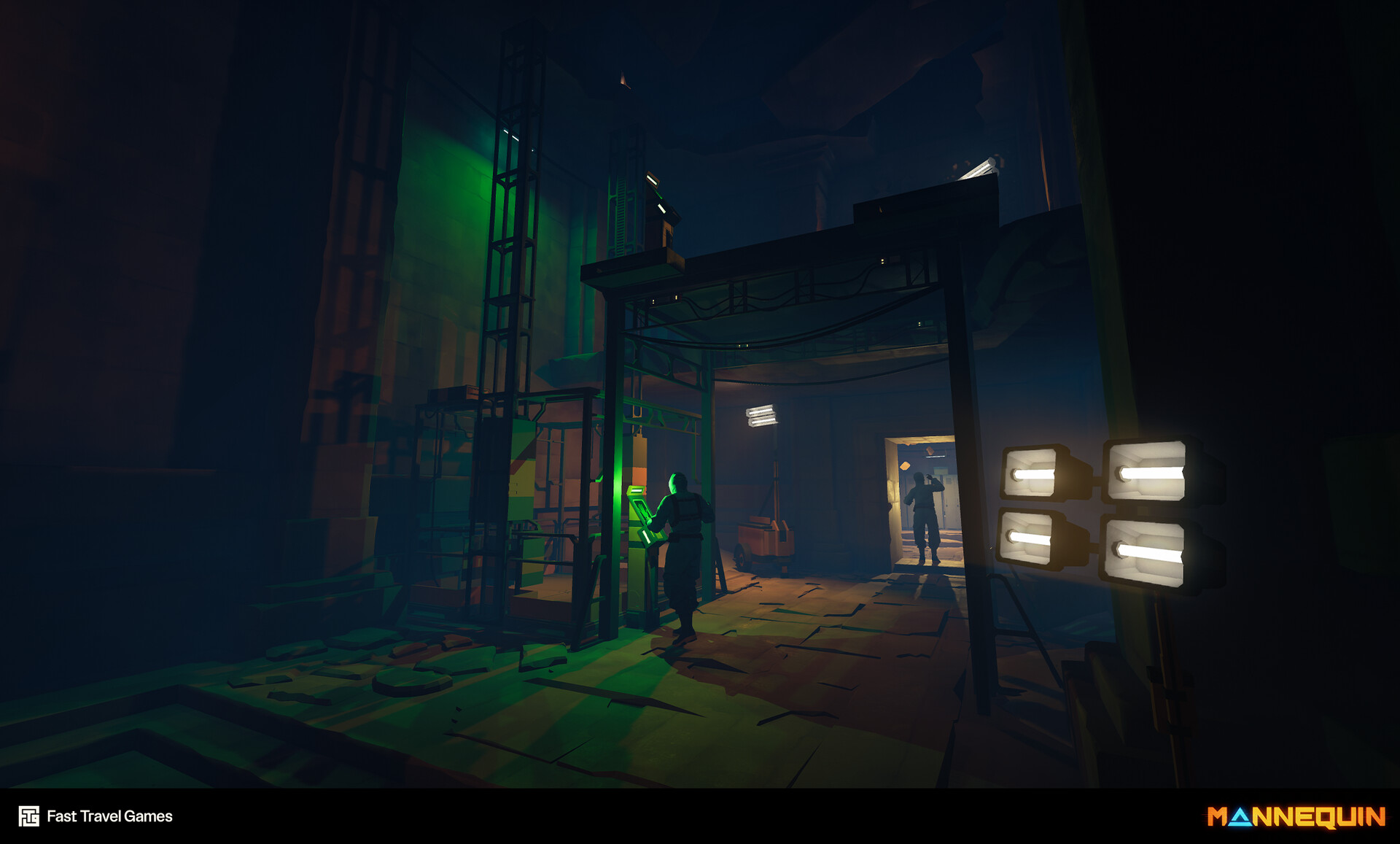
Image from Ermioni Pavlidou
The game is built from many modular pieces (which is a challenge on the Quest 2 in itself, but that’s another story). Because of this, light quality could easily suffer, and avoiding that became a top priority.